Uninstalling the MS Outlook Add-In is done interactively via the Control panel in the menu Programmes and functions.
Interactive example of Windows 7/8/10
Right-click on the entry SEPPmail Outlook Add-In -> Deinstall (see Figure 1).
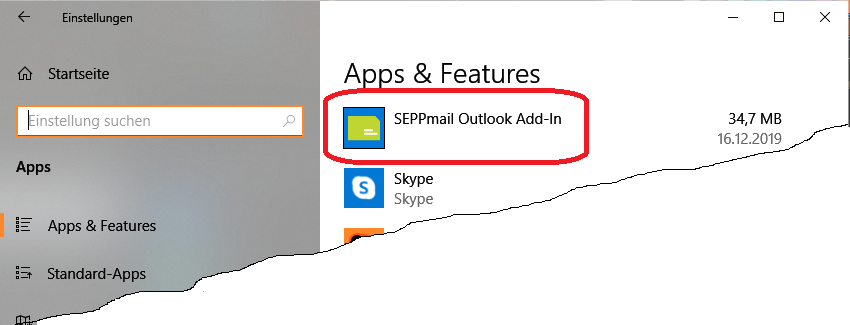
"silent" deinstallation is also possible with MSI via the command
MsiExec.exe /x {A5B1FA06-7E16-4645-AFC1-0A7CDAFA77E3} /qn
or via the add-in set-up
setup /s /v" /x {A5B1FA06-7E16-4645-AFC1-0A7CDAFA77E3} /qn"
Please note that these commands must be executed with administrator privileges.
