All registered partners of SEPPmail receive access to the seppmail.cloud portal at https://login.seppmail.cloud/.
The portal for seppmail.cloud combines all functions for ordering, setting up and managing end customers, as well as for the partner themselves, if applicable. Employees named by the partner are registered and then allowed to sign in to the portal. When first signing in on the login page of the portal, a new personal password should be set via "Forgot password?".
Further authorized users can then be added in the seppmail.cloud portal (see also User List). The partner administrators have access to all services, settings and logs of their assigned customers. It is the decision of the partner whether customer administrators are created. These customer administrators then have access to their own services, settings and logs.
The seppmail.cloud services are operated in two instances - one in Germany, one in Switzerland. The partners and their customers are connected to one of these locations. Each instance is distributed redundantly across two data centres.
In case of requests that are not offered directly in the portal, please contact us via support@seppmail.com.
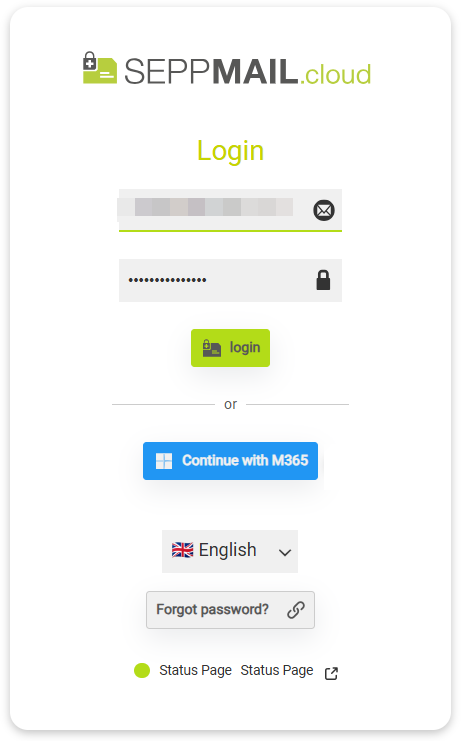
Available login options:
- Login with email address and password
- if set up: Login via M365 by clicking Continue with M365
- Selection of the interface language (currently available: English, German, French, Spanish, )
- Forgot password? - link to password recovery page
- Status page - link to https://seppmail.statuspal.eu/
|
Tip This online help can be used with keyboard control for better accessibility. Press ESC to tab through the navigation. |